First boot
The console prints the management URL. Note it.
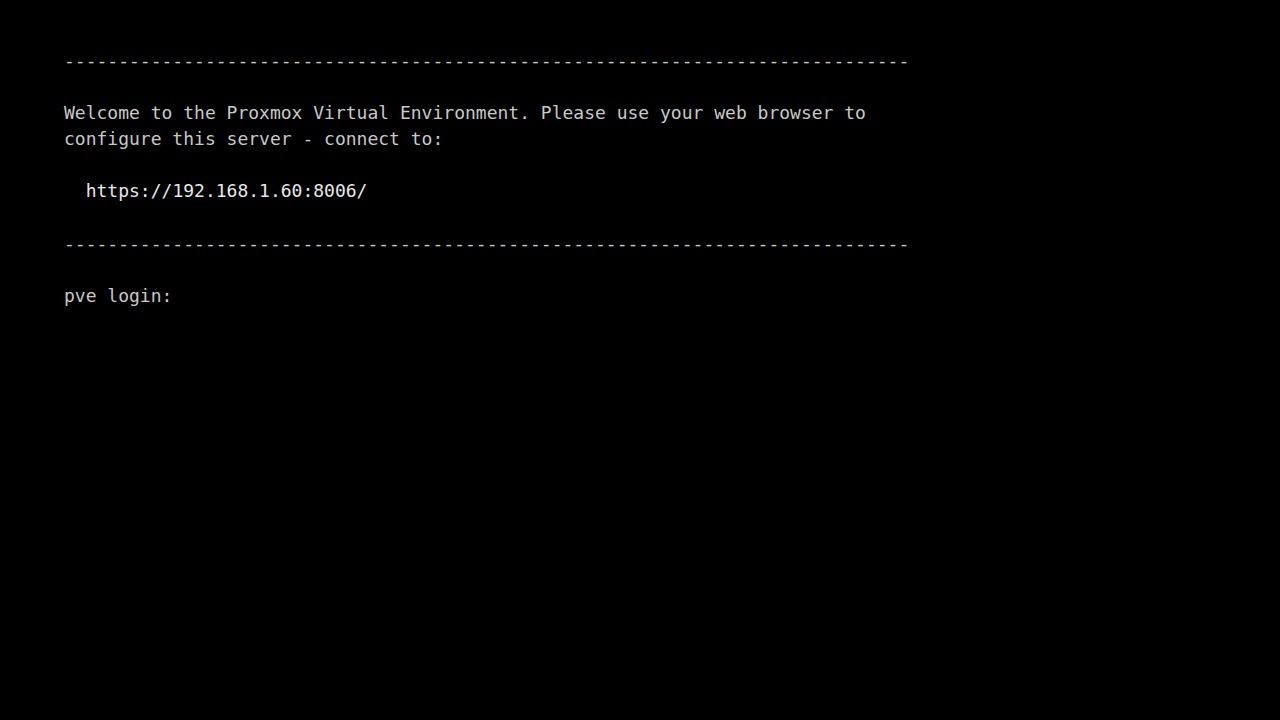
Log in as root with the install password. Your IP will differ; this guide's
examples use 192.168.1.60.
Check the host
hostnamectl; ip -br a; pveversion
systemctl is-active pveproxy pvedaemon
test -e /dev/kvm && echo kvm_ok
 Static hostname: pve
…
vmbr0            UP             192.168.1.60/24
pve-manager/9.2.26/… (running kernel: …)
active
active
kvm_ok
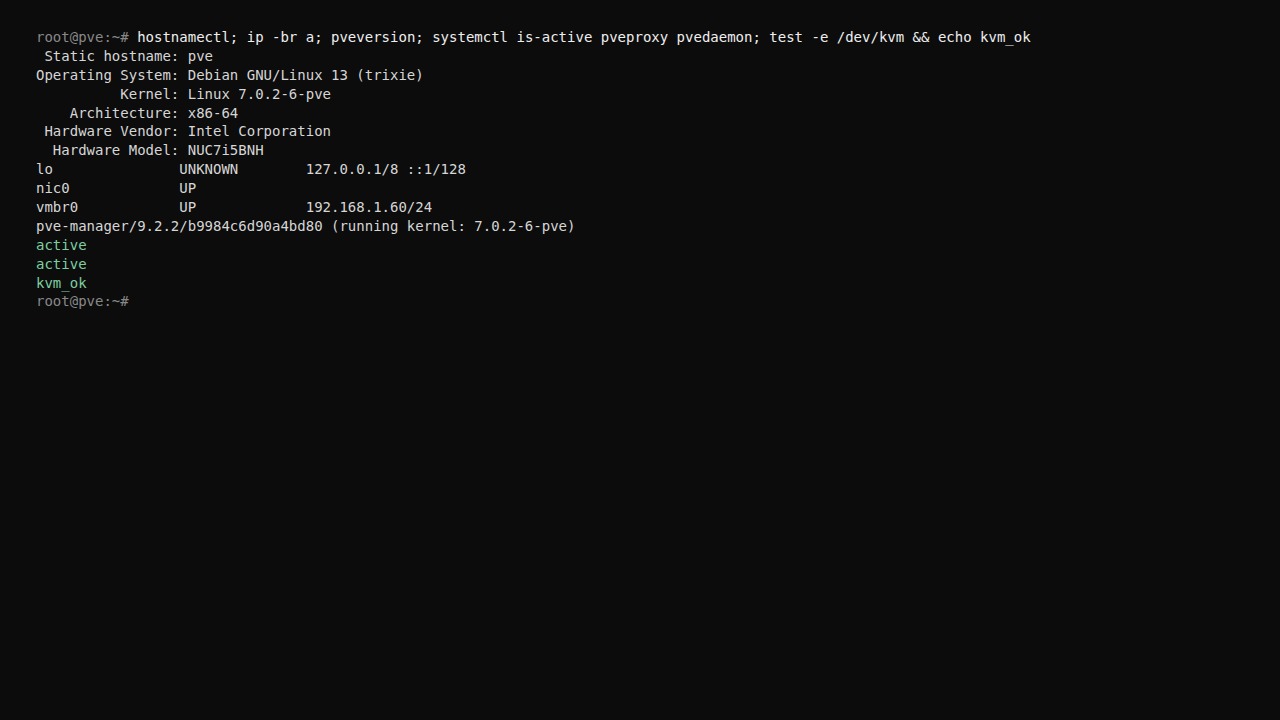
You want vmbr0 with your IP, two active, and kvm_ok. No kvm_ok means
VT-x / AMD-V is off in firmware.
Check storage
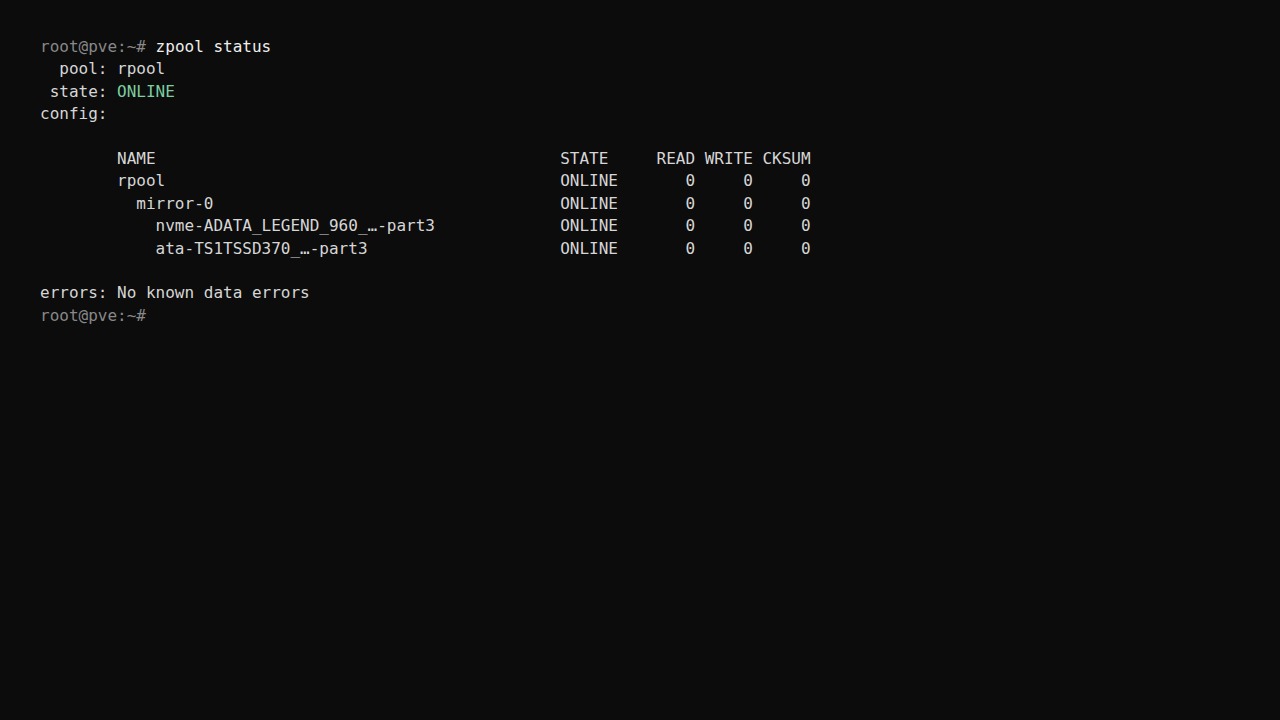
Run zpool status. Both legs of mirror-0 should be ONLINE.
DEGRADED means a disk is missing or failing — reseat or replace it.
Run lsblk -o NAME,SIZE,FSTYPE,MOUNTPOINT and pvs. You should see the
pve volume group on the install disk.