Prove web UI
From the workstation. Use the IP from First boot.
curl -k -sS -o /dev/null -w "%{http_code} %{server}\n" https://192.168.1.60:8006/
200 pve-api-daemon/3.0
Use a GET as above. curl -I can return 501 on this API.
1. Log in
Open https://<ip>:8006/ and accept the self-signed certificate warning.
Username root, realm Linux PAM standard authentication.
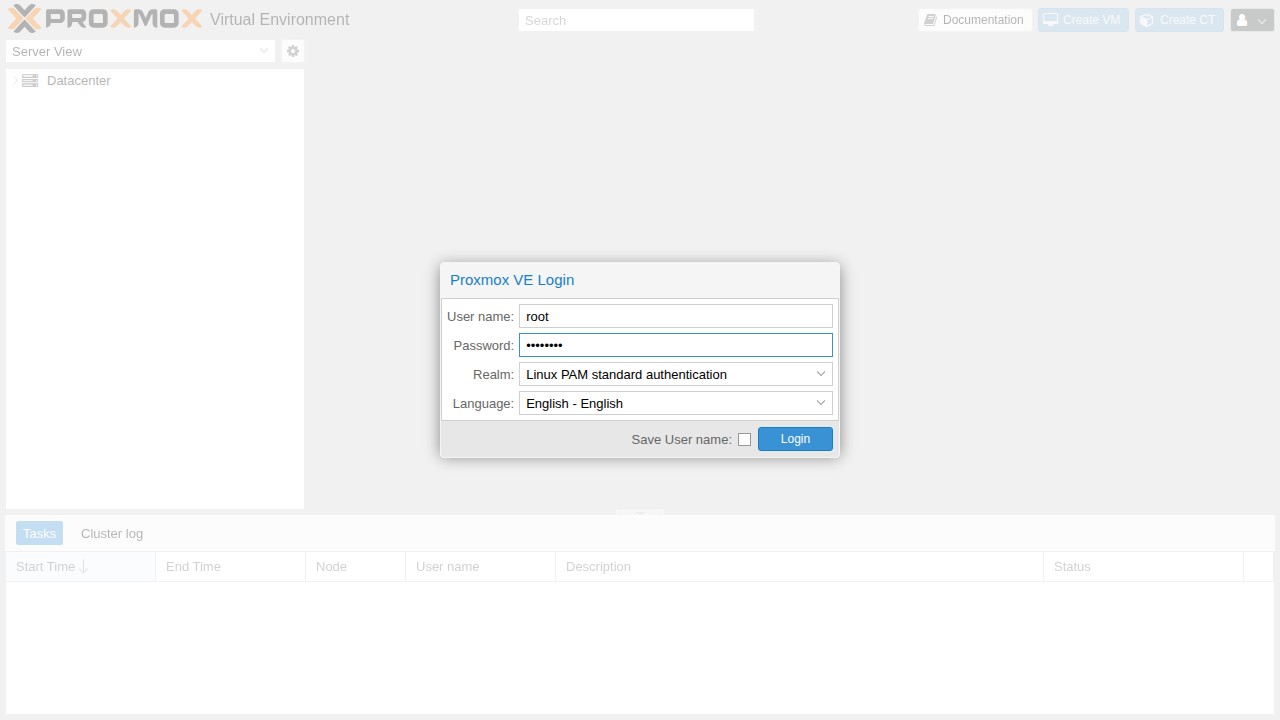
2. Dismiss the subscription notice
It appears at every login, is cosmetic, and locks nothing.
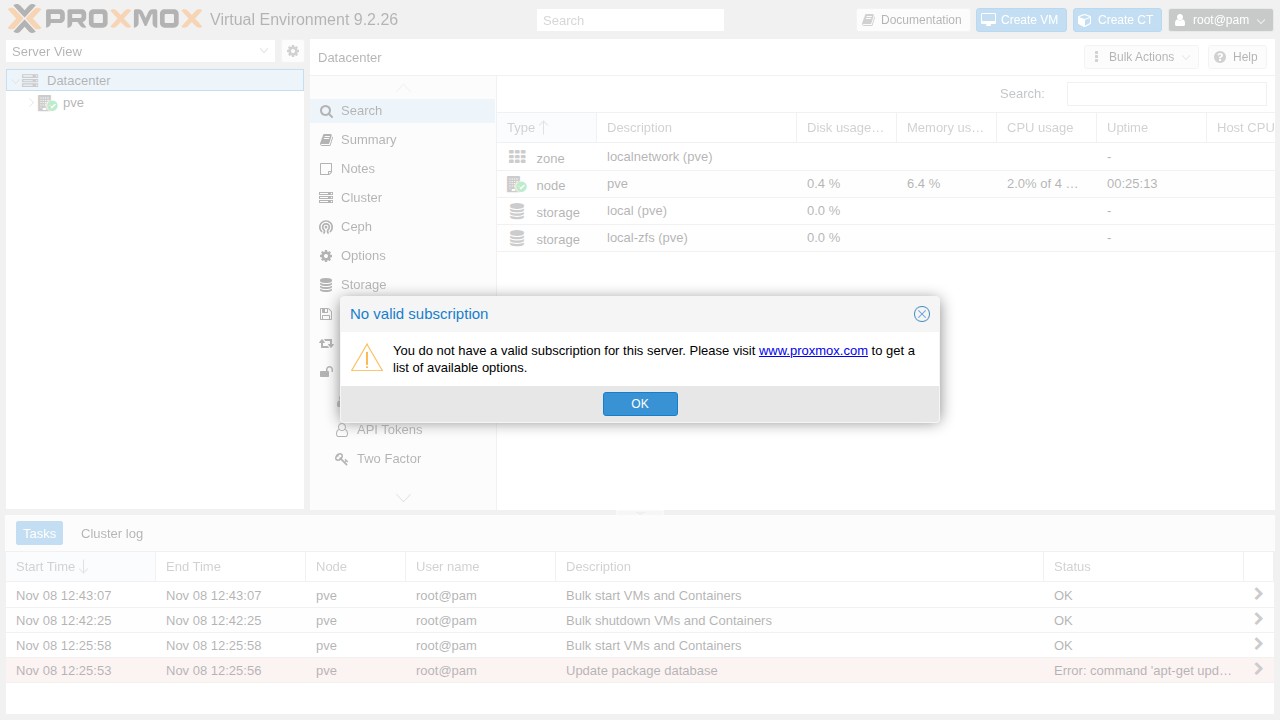
3. Node online
Select pve. The tooltip reads Status: online, and local plus the
install storage are listed (local-zfs on the ZFS layout, local-lvm on
ext4).
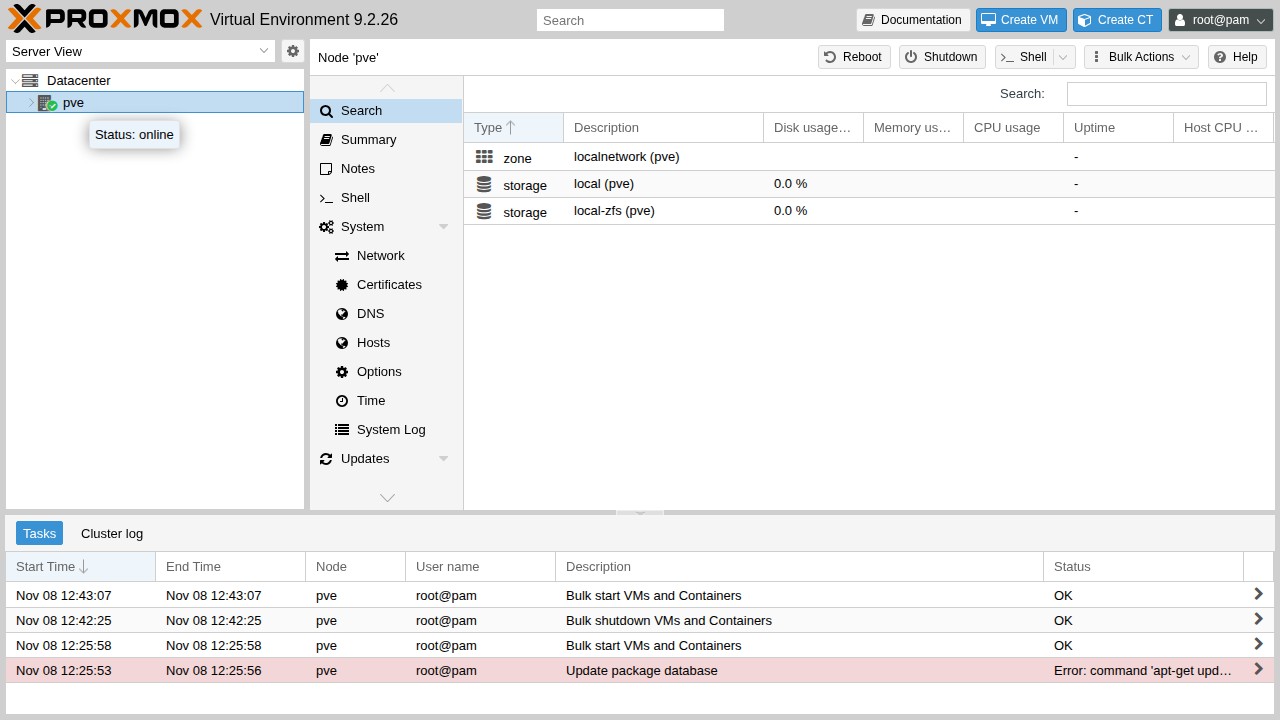
4. Repositories
Node → Updates → Repositories. Enterprise entries are disabled and the no-subscription repo is enabled.
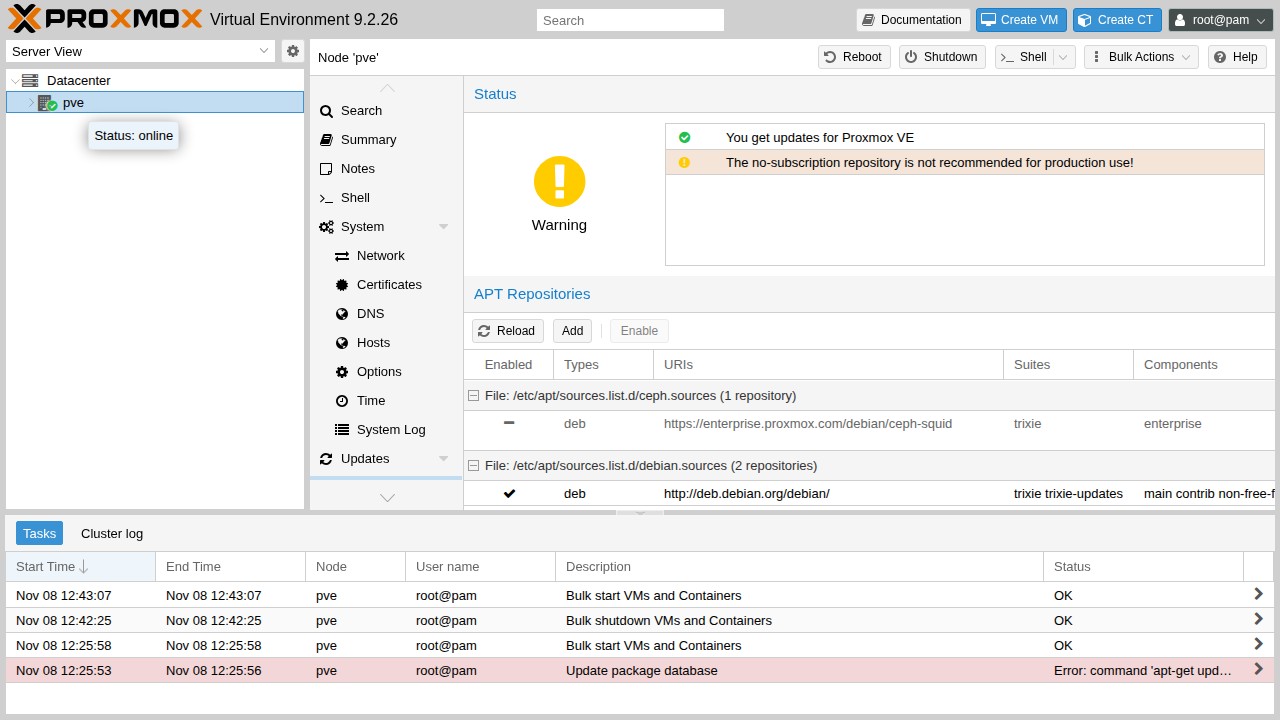
The yellow no-subscription is not recommended for production warning is expected on this path.
Consuming labs
Keep PVE_HOST and credentials in that project's env file. Never commit
passwords or API tokens.
Done
You have an updated Proxmox VE host with a working web UI. Something wrong? See Troubleshooting.